

Key Takeaways
Our Verdict
Spreadsheets and budgeting apps are both legitimate tools for managing monthly cash flow — the difference lies in how much control versus convenience you want. Spreadsheets reward detail-oriented, hands-on people; apps suit those who want automation and visual feedback with minimal upkeep. The best tracking method is the one you'll actually use consistently.
| Best for | Recommended |
|---|---|
| Those who want full control and custom categories | Spreadsheet |
| Those who want automation and low-maintenance tracking | Budgeting App |
| Those uncomfortable linking bank accounts to third-party software | Spreadsheet |
| Beginners who want guided setup and visual progress charts | Budgeting App |
Why the Tool You Choose Actually Matters
Picking a budgeting method isn't just a tech preference — it shapes whether you'll actually stick with tracking at all. Research from the Consumer Financial Protection Bureau (CFPB) consistently points to awareness of spending patterns as a foundational habit for financial stability. The tool that keeps you engaged is the one doing the real work.
Before settling on a method, it helps to run a spending audit so you know what categories actually matter in your household. That groundwork makes any tracking system more accurate from day one.
This comparison focuses on two approaches most Americans use: a manual spreadsheet (usually in Google Sheets or Microsoft Excel) and an automated budgeting app that connects to your accounts. Both can support popular frameworks — see our comparison of zero-based budgeting and the 50/30/20 method if you're still deciding on a structure.
The Case for Spreadsheets
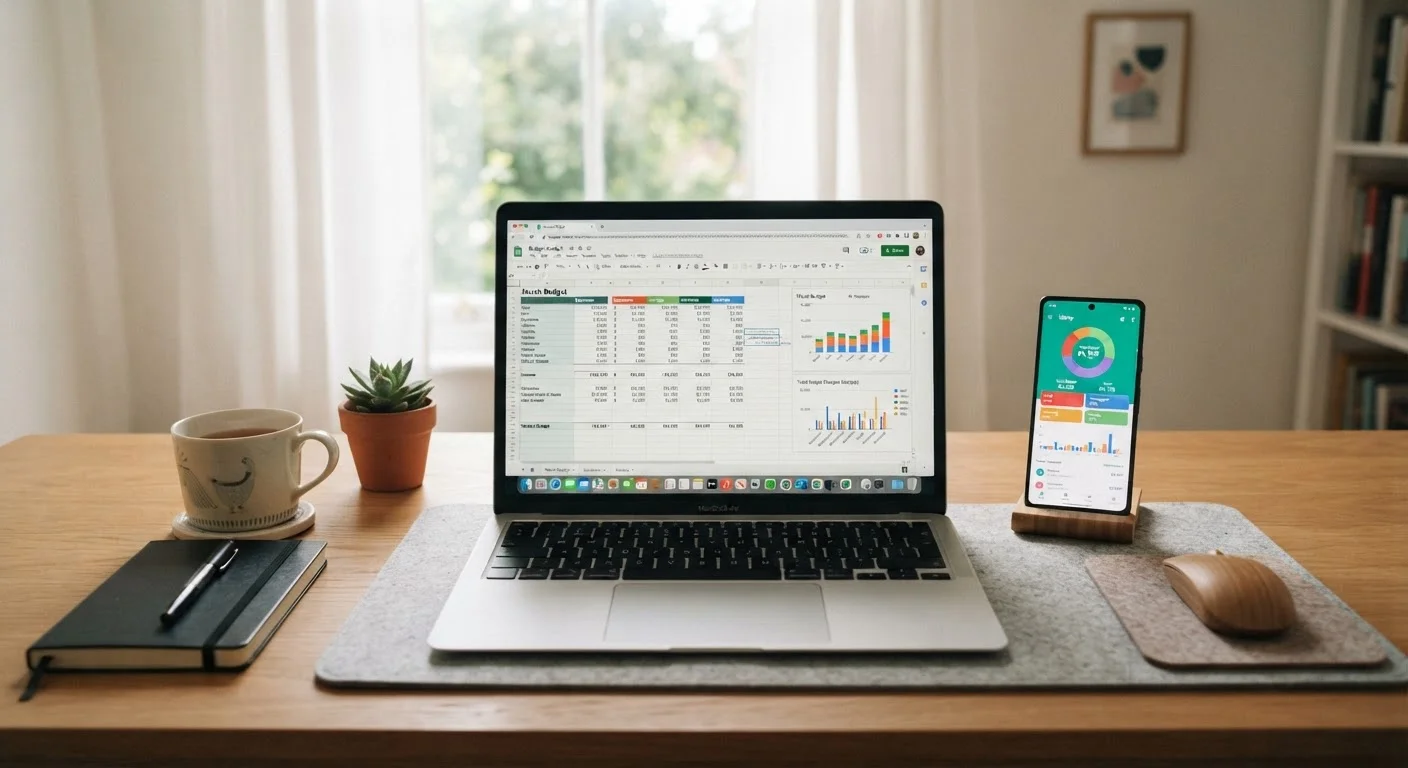
A spreadsheet puts you fully in charge. You define the categories, set the formulas, and decide what gets tracked. That level of customization is hard to replicate in a pre-built app, especially if your financial picture is unusual — multiple income streams, irregular freelance pay, shared expenses with a partner on a different billing cycle.
Spreadsheets also have a privacy advantage: you're not authorizing any third-party software to read your bank transactions. For people who are cautious about data sharing — a reasonable concern — this is a meaningful benefit.
The trade-off is time and discipline. Every transaction needs to be entered manually, which means the spreadsheet is only as good as how recently you updated it. Many people start strong and let it drift after a few weeks. Formulas can also break if you're not comfortable with basic spreadsheet functions, which creates a frustrating barrier right when you need clarity most.
Pair a Spreadsheet With a Clear Framework
A blank spreadsheet can feel overwhelming if you don't know what categories to track. Starting with a proven budgeting structure — like zero-based or 50/30/20 — gives your rows and columns a purpose from day one. Even a simple three-column setup (income, planned spending, actual spending) is enough to start building awareness.
If you're drawn to the flexibility of a spreadsheet but want more structure, consider pairing it with the every-dollar budgeting approach — it gives you a clear framework to fill in manually each month.
The Case for Budgeting Apps
Budgeting apps shine on convenience. Once you connect your bank and credit card accounts, transactions flow in automatically, often categorized by the app. You get a real-time snapshot of where you stand without logging every coffee purchase by hand.
Most apps also provide visual dashboards — spending by category, progress toward savings goals, month-over-month trends — which can make it easier to spot patterns you'd miss in a column of numbers. For beginners especially, that visual feedback can be motivating.
Understand App Data Policies Before You Connect
Not all budgeting apps handle your data the same way. Some share anonymized transaction data with third parties for research or marketing purposes. Read the privacy policy before linking any financial account, and check whether the app sells or licenses user data. If you're uncomfortable with the terms, a spreadsheet is a completely valid alternative.
The main concern with budgeting apps is security and privacy. Linking your bank accounts means granting a third-party service read access to your transaction history. Look for apps that use read-only access and strong encryption, and review their data-sharing policies before signing up. No app eliminates all risk, so weigh that against the convenience it offers.
Apps can also misclassify transactions — a hardware store purchase might land in "home improvement" or "auto" depending on the merchant code — so you'll still need to review and correct categories periodically.
Side-by-Side: How They Compare
The table below breaks down the key differences so you can see at a glance which factors matter most to your situation.
| Spreadsheet | Budgeting App | |
|---|---|---|
| Setup effort | High — build from scratch or use a template | Low — guided account connection |
| Ongoing maintenance | Manual entry every transaction | Mostly automatic, periodic review needed |
| Customization | Unlimited — full control over categories | Limited to app's built-in structure |
| Privacy / data sharing | No third-party account access required | Requires linking bank or credit accounts |
| Visual reporting | Only what you build yourself | Charts and dashboards included |
| Best for irregular income | Strong — fully adaptable | Varies by app; often assumes steady income |
| Cost | Free (Google Sheets) or included in Office | Free tiers available; premium plans vary |
Neither tool locks you in permanently. Some people use a hybrid approach: an app for automatic transaction capture, then a spreadsheet for monthly review and planning. If a strict tool-based budget doesn't appeal at all, a spending plan without a strict budget might be a better starting point.
Making Your Decision
Ask yourself two honest questions: How often will I actually log into this? And how comfortable am I giving a third-party app access to my accounts?
If the answer to the first question is "daily or a few times a week," a spreadsheet is realistic. If it's "once a month at best," an app that does the heavy lifting automatically is probably a better fit. For debt payoff and savings goals specifically, consistent visibility matters — explore strategies in our saving and debt hub once your tracking system is in place.
There's no universal right answer here. The goal is a clear, current picture of your cash flow — however you get there.
This article is for general informational and educational purposes only. It does not constitute personalized financial advice. For guidance specific to your financial situation, consult a licensed financial professional.