

Key Takeaways
Applicant Tracking System (ATS)
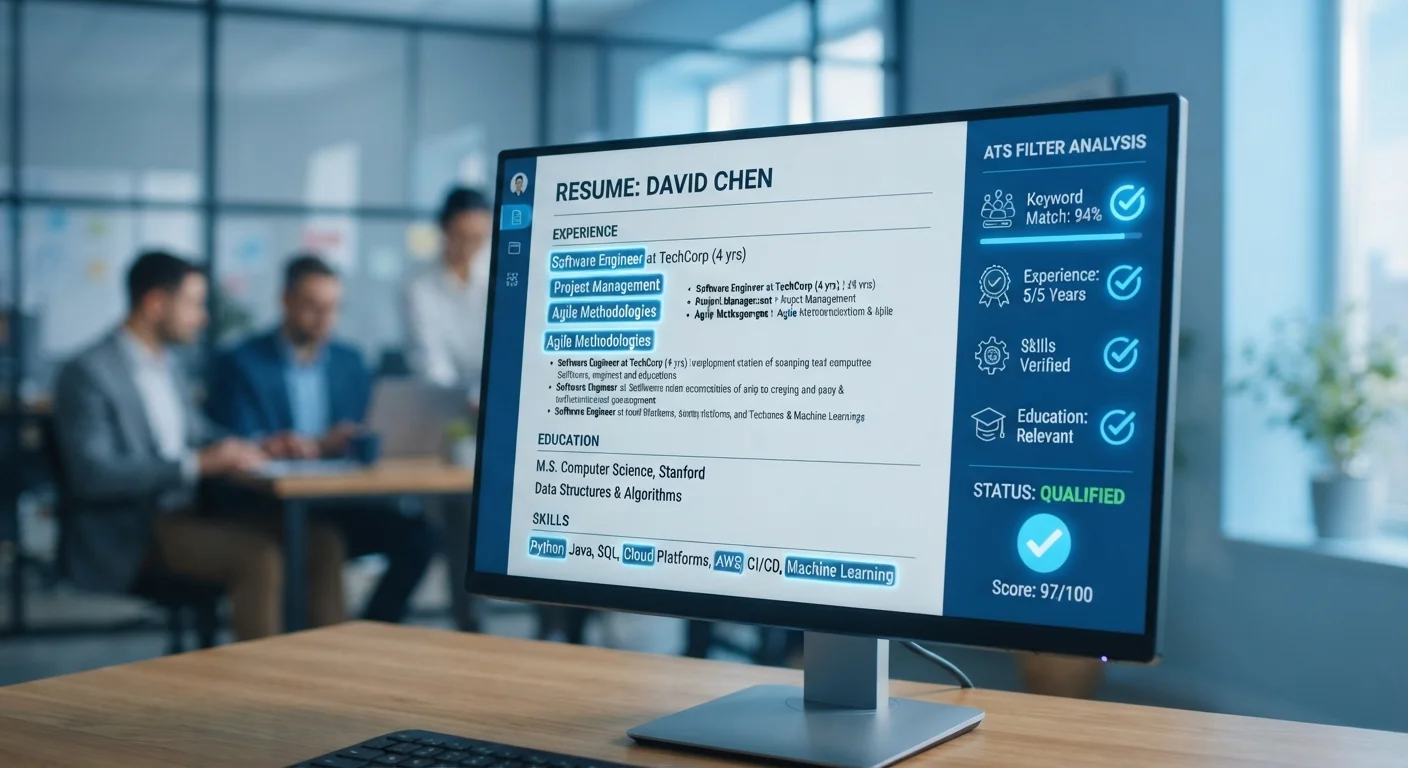
An applicant tracking system, or ATS, is software that employers use to collect, organize, and filter job applications. When you submit a resume online, it typically enters an ATS first — not a recruiter's inbox. The system scans your materials, extracts information, and scores or ranks you against other candidates before a human ever sees your application.
ATS platforms vary widely in how they parse documents: some use keyword matching, others apply rule-based scoring or machine-learning ranking. Formatting that confuses the parser — such as tables, headers, or unusual fonts — can cause critical information to be misread or dropped entirely.
Why ATS Exists and How Widespread It Is
Before ATS software became standard, recruiters at large companies were manually sorting through thousands of paper or emailed resumes for a single opening. Applicant tracking systems were built to solve that operational problem — not to help candidates, but to help hiring teams manage volume.
Today, the majority of Fortune 500 companies use some form of ATS, and the practice has spread well beyond large corporations into mid-size employers across industries. When you click "Apply" on a job board or a company's careers page, there's a high likelihood your resume enters a software system before a human touches it. Understanding that reality is the starting point for a smarter job search. See how this fits into the bigger picture in our overview of what's actually changed in job searching.
75%
Resumes never seen by a human
Industry estimates have suggested that roughly three-quarters of resumes are filtered out by ATS before reaching a recruiter, though exact figures vary by employer and system configuration.
98%
Fortune 500 companies using ATS
According to widely cited recruiting industry research, nearly all Fortune 500 employers rely on applicant tracking systems to manage hiring at scale.
250+
Average applications per corporate job posting
Data from recruiting platform research indicates that popular corporate roles routinely attract hundreds of applicants, making automated screening a practical necessity for employers.
What ATS Software Actually Does to Your Resume
An ATS doesn't read your resume the way a person does. It parses — meaning it breaks your document into structured data fields: name, contact information, work history, job titles, dates, skills, and education. That parsed data is then matched against criteria the employer set when they configured the job requisition.
Keyword matching is the most common filtering mechanism. If the job posting lists "data analysis" as a required skill and your resume says "analyzed data," some systems won't count that as a match. Exact or near-exact phrasing matters more than you might expect.
Formatting plays a significant role too. Tables, text boxes, graphics, and multi-column layouts can scramble the parser's ability to read your content accurately. A resume that looks polished in a PDF viewer may arrive in the ATS as a jumbled block of text. Stick to a single-column layout with standard section headings — it's less visually flashy but far more reliable.
ATS Behavior Varies by Employer
There is no single ATS standard. Platforms like Workday, Greenhouse, Taleo, and iCIMS each parse documents differently and allow employers to configure scoring rules in their own way. A resume that performs well in one system may be handled differently in another. Optimizing for clean formatting and accurate keyword alignment gives you the most consistent results across systems.
Practical Steps to Improve Your ATS Compatibility
The core strategy is straightforward: mirror the language of the job posting in your resume, without fabricating experience. Read the description carefully and identify the key skills, qualifications, and titles the employer uses. Then make sure your resume reflects those terms accurately where they apply to your background.
- Use a clean, single-column format with standard section labels like "Work Experience," "Education," and "Skills."
- Include both spelled-out terms and abbreviations where relevant (for example, "Search Engine Optimization (SEO)") since different ATS systems may search for either.
- List dates consistently using a standard format such as "Month Year – Month Year" to avoid parsing errors.
- Save and submit in the format requested. If none is specified, a clean .docx or straightforward PDF typically works well.
Tailoring your resume for each role is the highest-impact step you can take — and it doesn't have to mean rewriting from scratch each time. Our guide on tailoring applications efficiently shows how to build a repeatable system.
What ATS Can't Measure — and How to Work Around It
ATS software is good at filtering for explicit criteria. It's poor at evaluating judgment, communication ability, cultural contribution, or the kind of context that makes a nonlinear career path make sense. That's a significant blind spot — one that works against candidates who are career changers, returning workers, or those with unconventional backgrounds.
The most reliable workaround is reducing your dependence on the ATS pipeline in the first place. Employee referrals typically bypass automated screening and land directly with a recruiter or hiring manager. Networking — even a brief, genuine connection at an industry event or through LinkedIn — can accomplish the same thing.
Recruiters are another channel worth understanding. They often have direct access to hiring managers and may submit your profile outside the ATS queue. Learn more about how that relationship actually works in our piece on what recruiters actually do.
Applying through multiple channels simultaneously — direct application, referral, recruiter contact — gives you the best odds of getting your materials in front of a person. Before you invest time in applications, it also pays to evaluate whether a posting is worth your effort at all. Our guide on reading job postings critically can help you prioritize.